Nth Purchase Template
Overview
When a customer purchases a product or service, it’s a valuable opportunity to express genuine appreciation and build a more personalized brand experience. To deepen that connection, consider celebrating key milestones—such as their nth purchase—with a thoughtful message that acknowledges their loyalty and makes them feel truly valued.
The Nth Purchase template lets you track each customer’s 1st through 5th purchase within a rolling 365-day period.
Example:
A customer made a first purchase and you want to motivate them into a loyal customer triggering more purchases.
The personalized nature of this first purchase moment creates a positive user experience, showing customers they are valued and remembered.
To track when a purchase is happening for the nth time, the purchase event needs to be tracked.
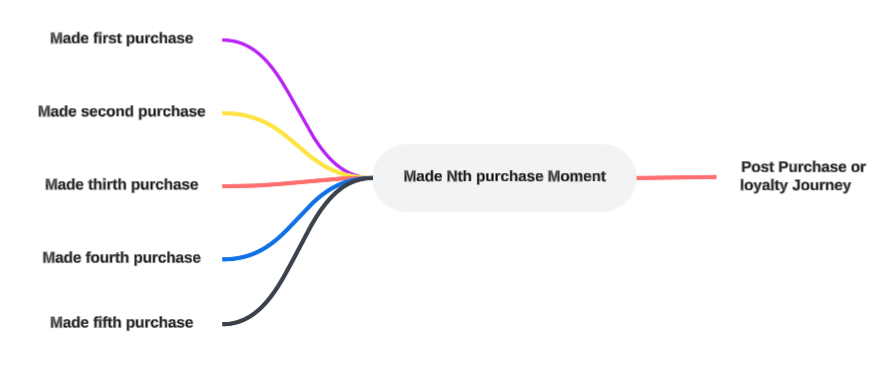
Configure the Nth Purchase Moment
To configure a Nth Purchase Moment, the following properties need to be set.
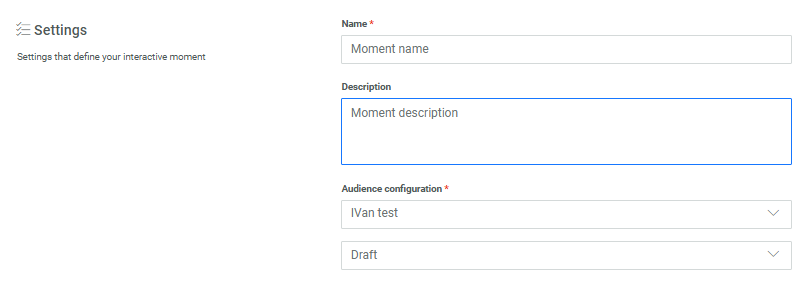
Settings
Check out the topic on creating a Moment for details on these generic settings.
Moments preferences
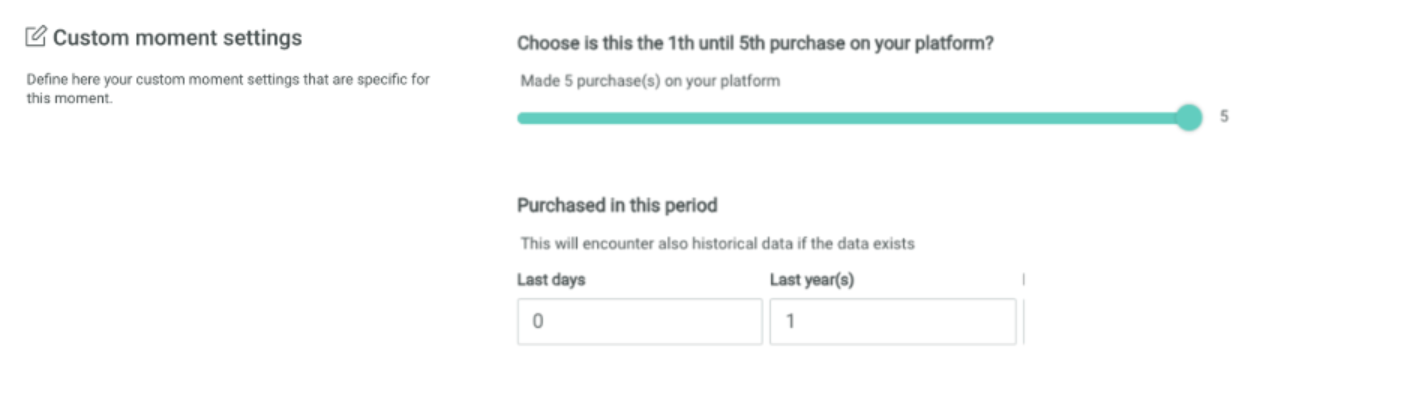
Number of purchases — This option allows you to select the number of purchases the customer has made to allow the moment to be triggered. Use the slider to choose between minimum 1 and maximum 5 purchases
App sources other than Moments to trigger the Moment (optional)
Note: The App source field is only displayed when at least one additional source, besides Moments and Signals, is configured for the environment. For example if you have a Loyalty integration, those events can also be used as a source for Interactive Moments to listen to.
The App source field let's you select additional sources for the Moment to listen to, such as Loyalty or Integrations.

Conditions to filter the signals triggering the Moment (optional)
Conditions let you define a filter on the incoming signals for this specific Moment using any attribute of the selected event.

When no condition is defined, all signals are captured.
Details on how to define a filter are available in the article Expression builder.
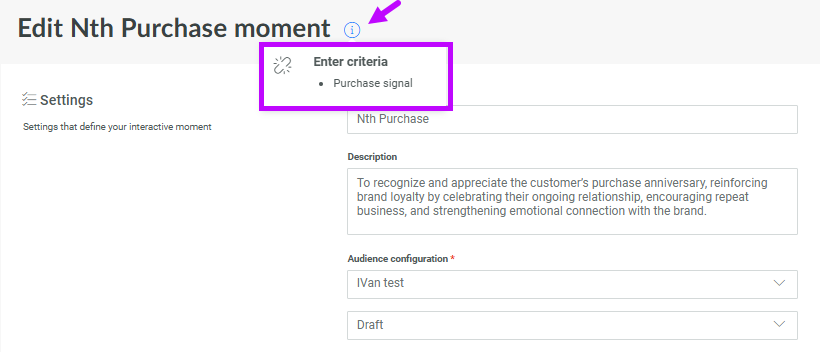
Note: The list of events that can be used for filtering corresponds to all the events that are available for this specific Moment and that are listed in the info box at the top: